This article applies to Windows XP, Vista and 7.
When you have problem with Internet Explorer, you don’t know how to reinstall or repair it because it doesn’t visible in Add or Remove Programs. There are methods which you can reinstall or repair Internet Explorer if it has problem.
This post shows only some methods which you can perform to reinstall/repair Internet Explorer. You can find out more methods on Microsoft’s Knowledge Base, see the bottom of this post for more detail.
Section
- Reinstall or repair Internet Explorer 6 using ie.inf
- Reinstall or repair Internet Explorer 7, 8, and 9 by reset IE settings
Step-by-step to reinstall or repair Internet Explorer
Reinstall or repair Internet Explorer 6 using ie.inf
Note: This method requires at lest Windows XP Service Pack 2. If you don’t have one, you can install Service Pack 2 or 3 to resolve problems with Internet Explorer.
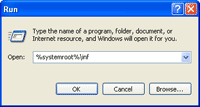
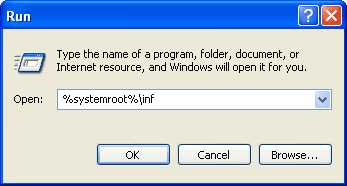
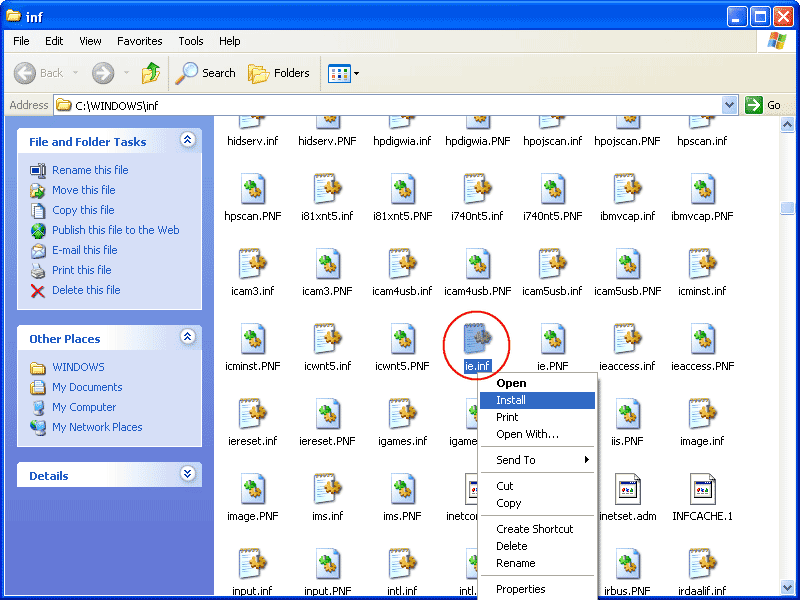
- Open folder Windows\Inf by click Start -> Run -> type %systemroot%\inf.
Note: You can also browse from Windows Explorer but the Inf folder is hidden so you must change view to show hidden files and folders.
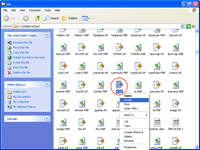
- Locate ie.inf. Right-click on the file and select Install.
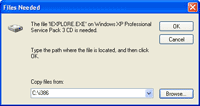
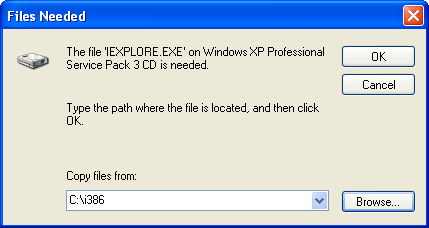
- Browse to the location of Windows XP Installation CD and click OK.
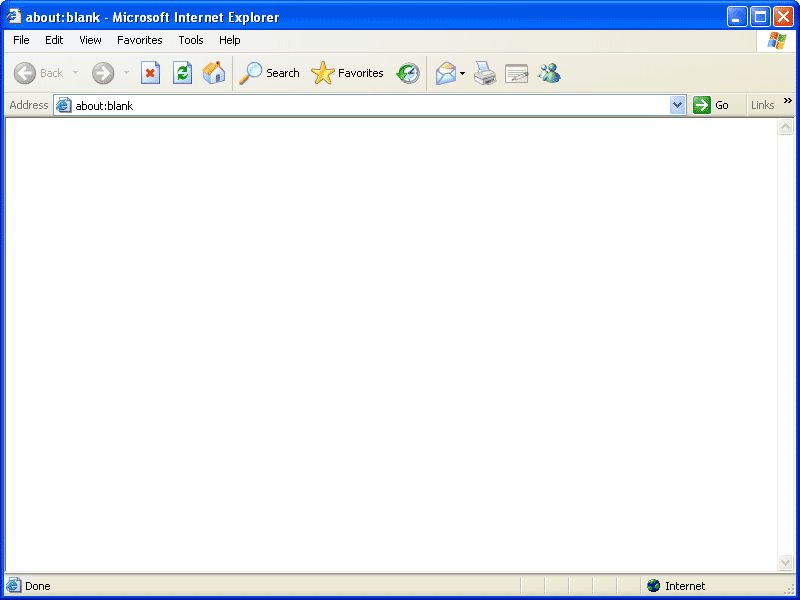
- After the installation finishes, restart Internet Explorer by close and open again. Now Internet Explorer is reinstalled/repaired.

Note: You can also repair or reinstall Internet Explorer by upgrade to the higher version.
Reinstall or repair Internet Explorer 7, 8, and 9 by reset IE settings
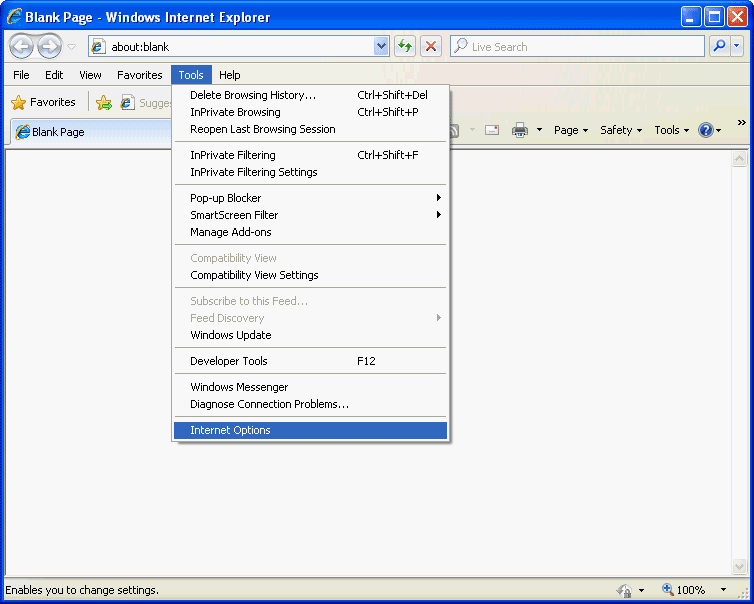
- Open Internet Explorer 7, 8, and 9. Select Tools -> Internet Options.
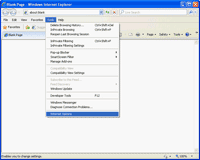
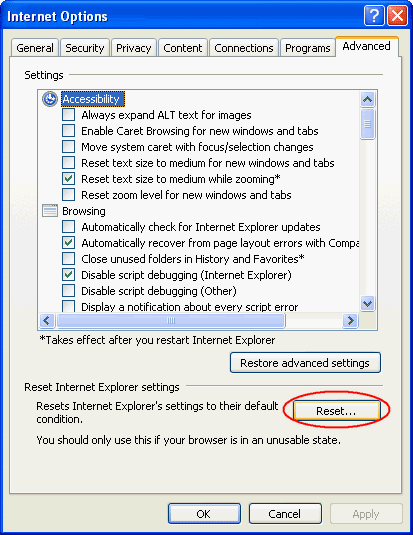
- Click on Advanced tab and click on Reset button.
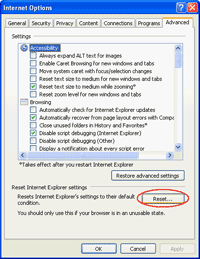
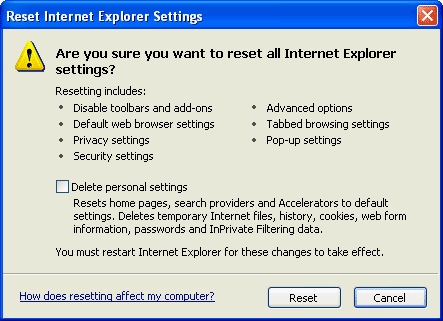
- It shows a warning message that these information will be reseted. Click Reset to proceed.

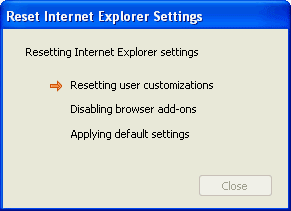
- The reset is in progress.
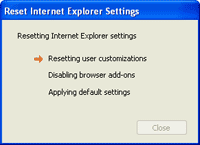
- After all settings are reset, you should restart Internet Explorer.


Internet Explorer 8 is really good. This browser is very very stable and i have been using it for quite a while without blue screens or crashes.
I enjoy, lead to I found just what I used to be taking a look for. You have ended my four day lengthy hunt! God Bless you man. Have a great day. Bye
Thanks for this post, i will try that.