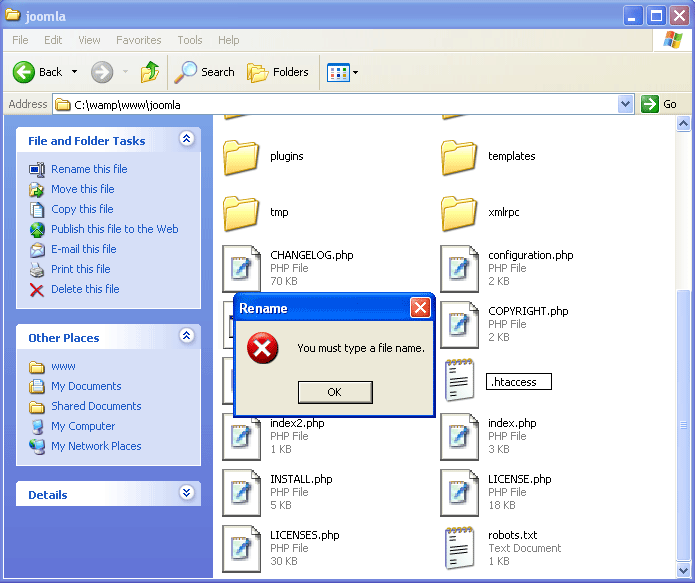
The .htaccess is a file that use to rewrite URL on a web server. It is the file that doesn’t has a name, only an extension. The problem comes when you want to create the file on Windows operating system. You can’t create a file without a name. If you try to create the .htaccess file, you will receive an error message: “You must type a file name”. The example below shows the error message when I tried to rename a file htaccess.txt to .htaccess.
Solution to create .htaccess on Windows
There are some solutions to solve the problem above. The easiest one is to use notepad to create the .htaccess file.
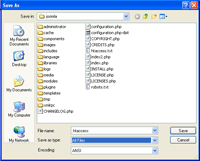
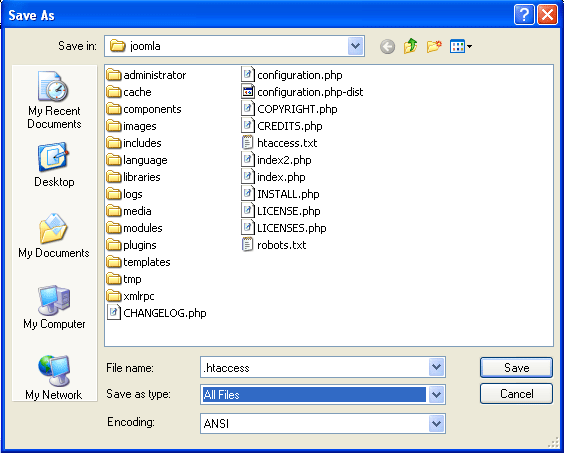
- Open notepad and save the document with file name is .htaccess and save as type to All Files.
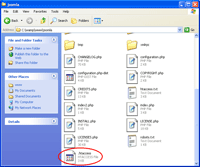
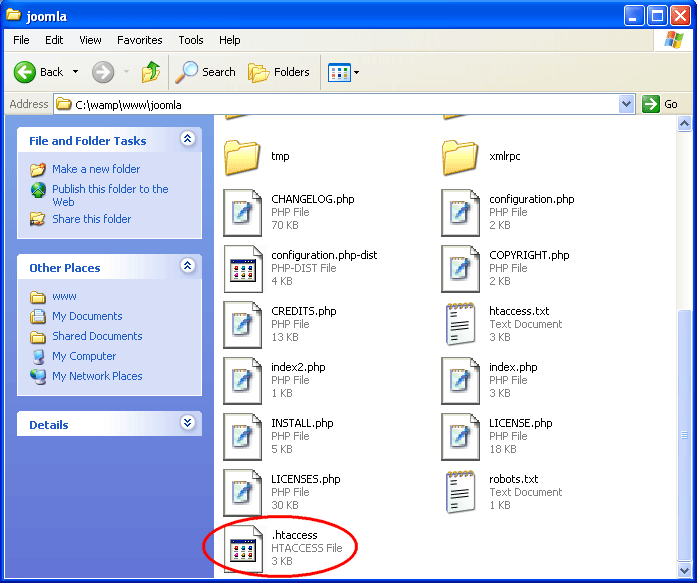
- The .htaccess file has been created.
That’s the easy bit, where’s part 2where you get to use it!
I’m from Brazil, this article helped very.
I had the same problem.
Congratulations!
where should i create a .htaccess file in netbeans project.
thank you very much!!! this really worked!