- Accessing MS Access 2007 on NetBeans 6.5 using JDBC, Part 1: Introduction
- Accessing MS Access 2007 on NetBeans 6.5 using JDBC, Part 2: Prepare Sample Database
- Accessing MS Access 2007 on NetBeans 6.5 using JDBC, Part 3: Create Connection
- Accessing MS Access 2007 on NetBeans 6.5 using JDBC, Part 4: Perform SQL Operations
Prepare Sample Database
On this post, I show how to prepare a sample database for Microsoft Access 2007, the “Northwind” database.
Step-by-step
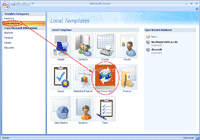
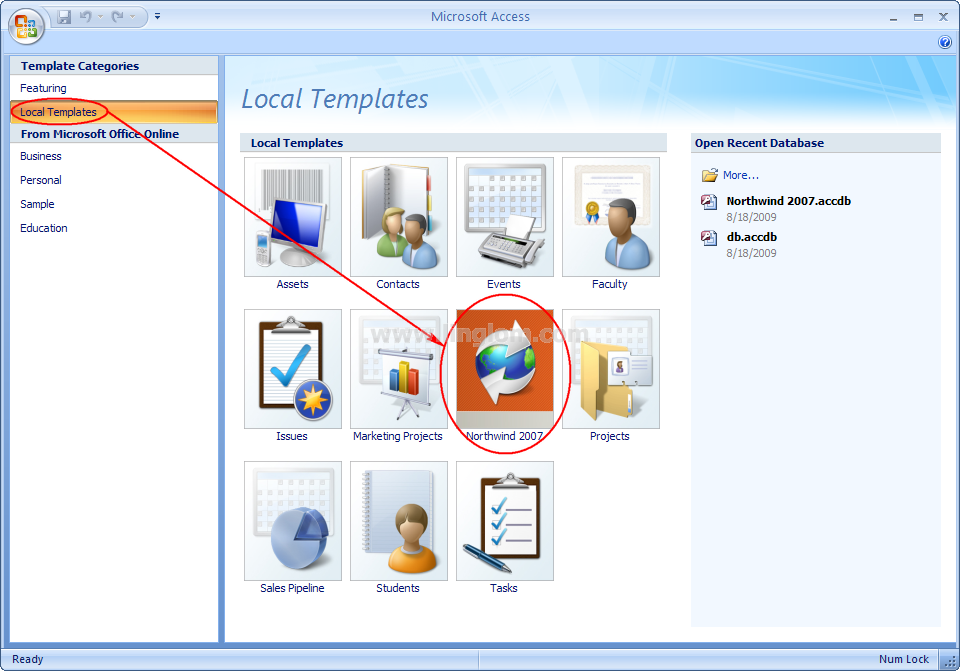
- Open Microsoft Access 2007, click on Local Templates. If you have Northwind 2007 on Local Templates, click on it and skip to step 4. Otherwise, follow the next step to download one.
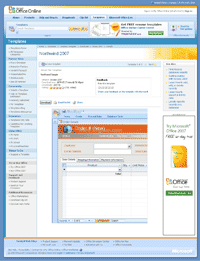
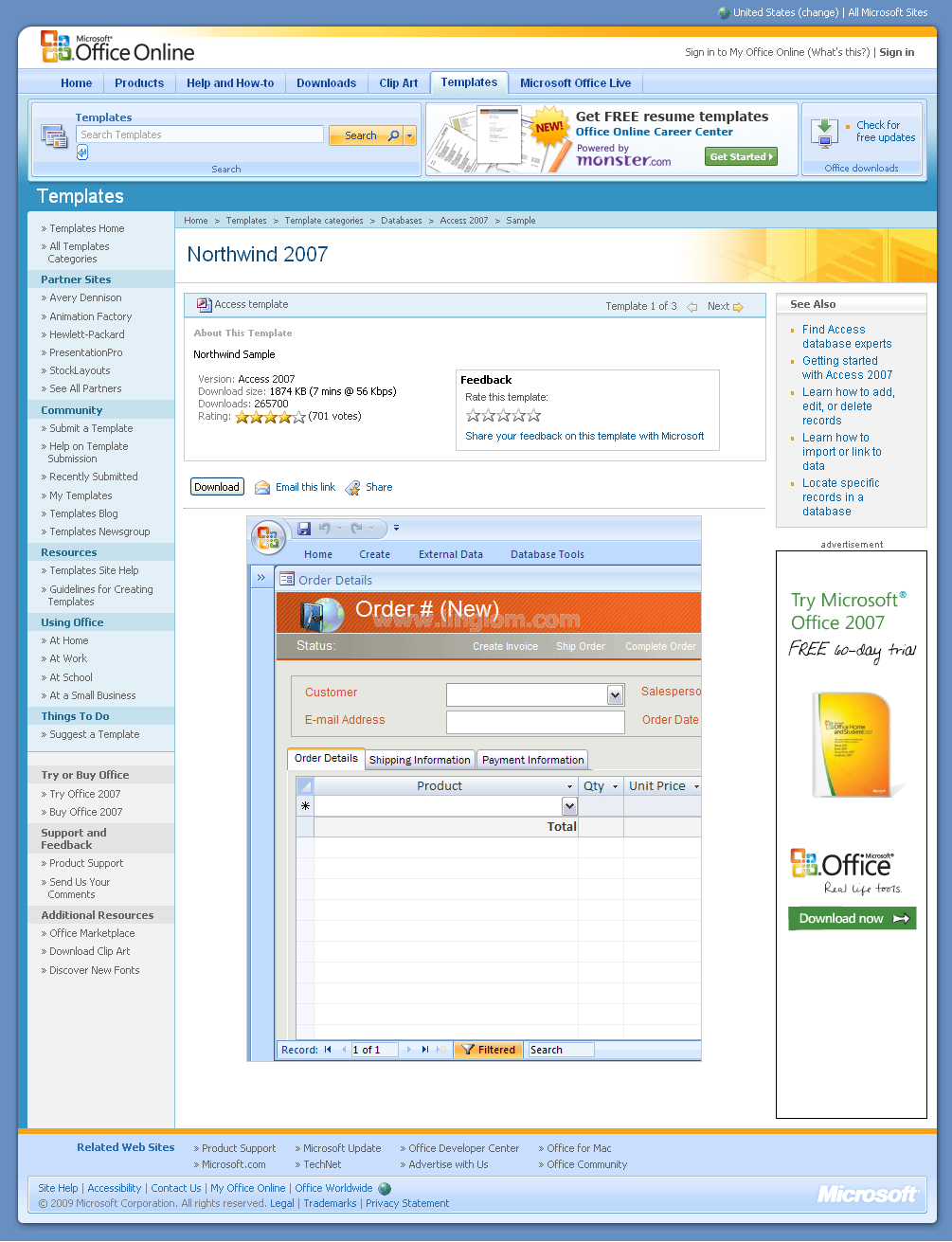
- Download Northwind template for Access 2007 from Microsoft – Northwind 2007.
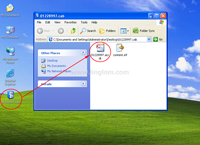
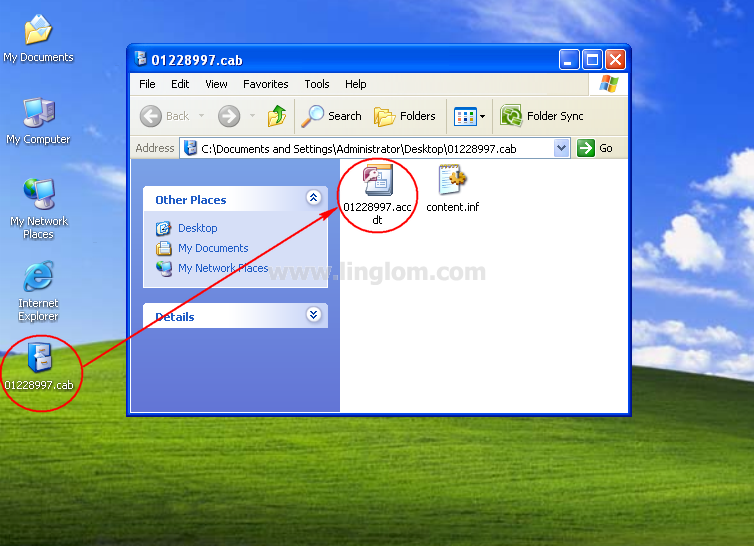
- Extract the downloaded file, 01228997.cab. Then, double-click on 01228997.accdt. Microsoft Office Access 2007 will start.
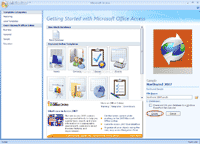
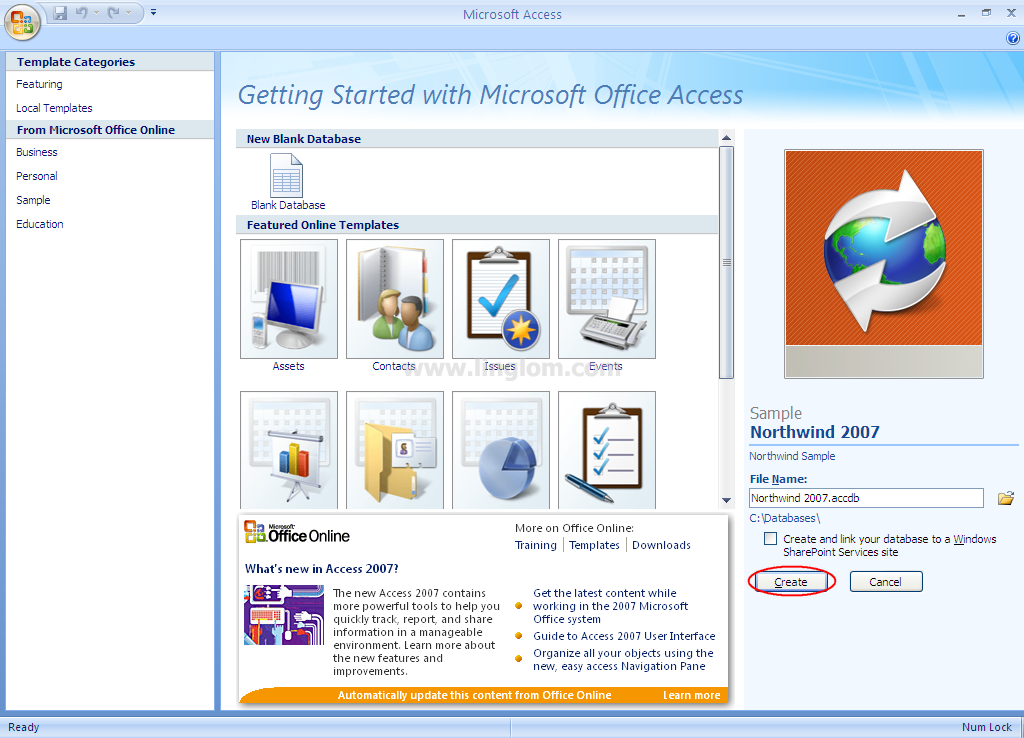
- On Microsoft Access, choose the destination to create a sample Northwind 2007. On this example, I choose “c:\database\Northwind 2007.accdb”. Then, click Create.
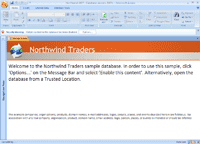
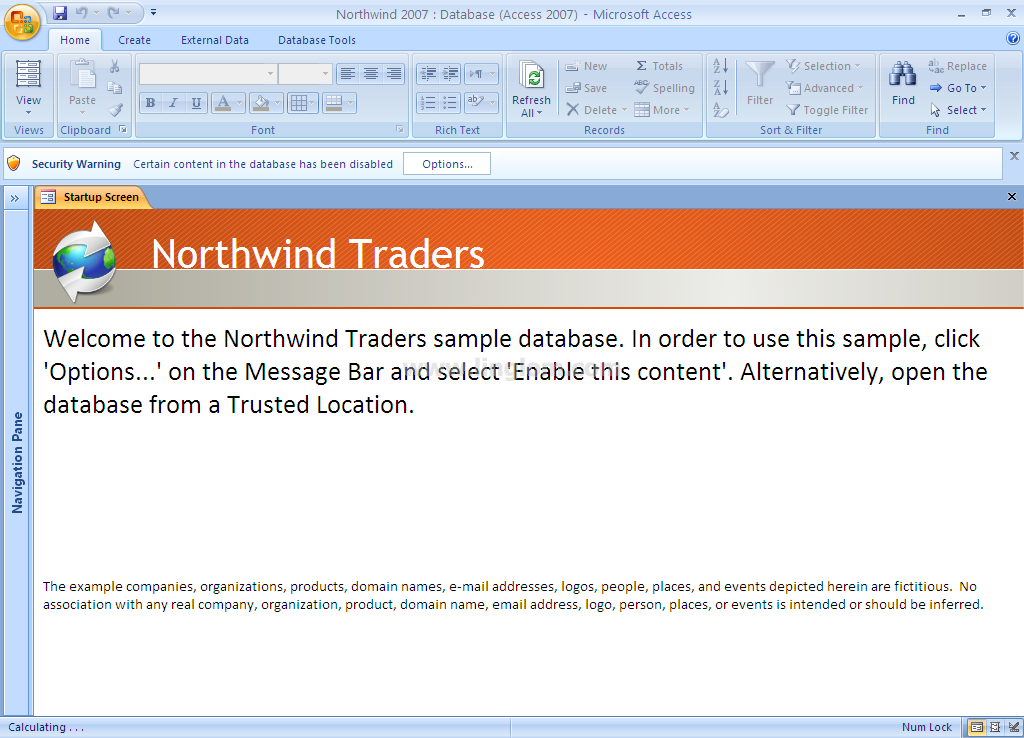
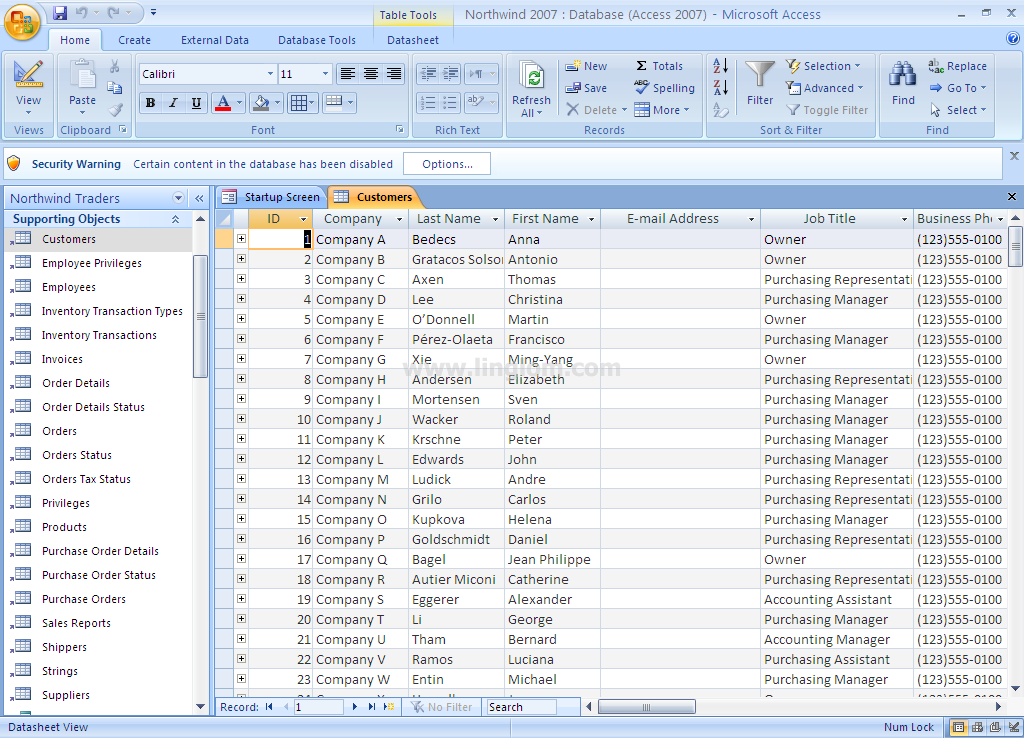
- Now the sample Northwind database is created. Click on Navigation Pane on the left side menu.
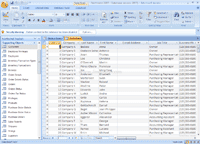
- On Navigation Pane, click on Supporting Objects and double-click on Customers. You see data in the Customers table.
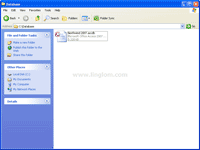
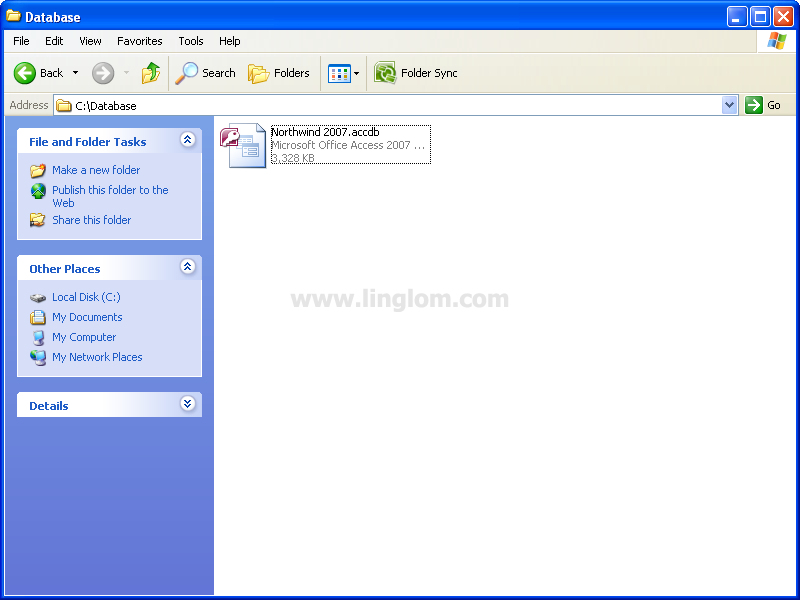
- You also see the sample database file on c:\database\Northwind 2007.accdb which was created on step 4. I will use this path in the later part.
What’s Next?
Now you have a sample database, Northwind. Next, I will show how to write code to create a connection from NetBeans 6.5 to the Northwind database. See Part 3: Create a Connection.