[Solved] Error: LU1815: LiveUpdate could not access a file
I have encountered the problem that Symantec’s LiveUpdate on Primary server didn’t automatically update any definitions. That made the clients didn’t get definitions,too. I tried manual update through SSC which also didn’t work and no related log in SSC show about update problem. Then, I opened Task Manager on Processes tab and found that LUCOMS~1.exe service which is LiveUpdate’s service still running.
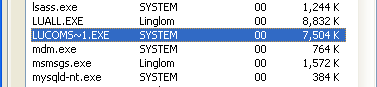
I thought that the process may hang so I tried end the process and manual update through AntiVirus’s client on the Primary server. Now there was error message
Error: "LU1815: LiveUpdate could not access a file..." |
Symantec has already provided support for this problem by download LiveUpdate files from Symantec to fix the damaged files.
Error: “LU1815: LiveUpdate could not access a file . . . “
Or you can reinstall the program.
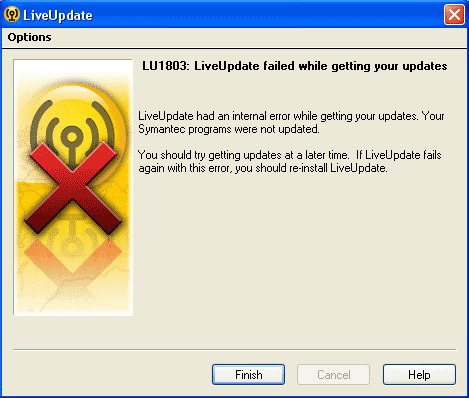
The similar problem as the figure below is the same problem and can be solve in the same manner.
Error: "LU1803: LiveUpdate failed while getting your updates" or "LiveUpdate had an internal error while getting your updates" |
Norton
To fix LU1803 it says:
You must run this tool as an Administrator. Please right click the Internet Explorer shortcut, and then click Run as administrator. If you receive this same message, please log in to an account that has Administrator rights and re-run this action.
When I do this it also says that while it will clear it, some programs may not work properly
Mine says to run it as an Administrator every time but then says im not an Administrator. Can someone plz help
How to rectify LU1803