Configure ISA for Symantec LiveUpdate
By default, Microsoft Internet Security & Acceleation Server (ISA) will block any connection between internal and external network. If you have Symantec AntiVirus and it needs to update definition (or signature) from internet through ISA, The ISA will block the connection so that the program can’t update the definition.
The error message shows as “LU1814: LiveUpdate could not retrive the update list”.
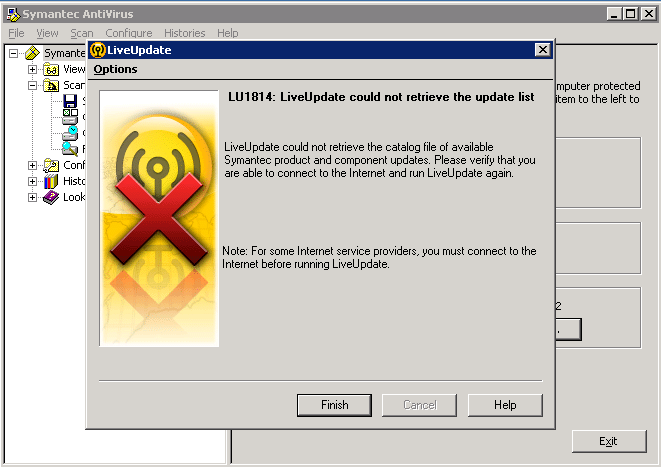
Step-by-step
To solve the problem, you need to add rule on ISA to allow internal server to download definition from symantec’s liveupdate site.
In this example, I configure on ISA Server 2006.
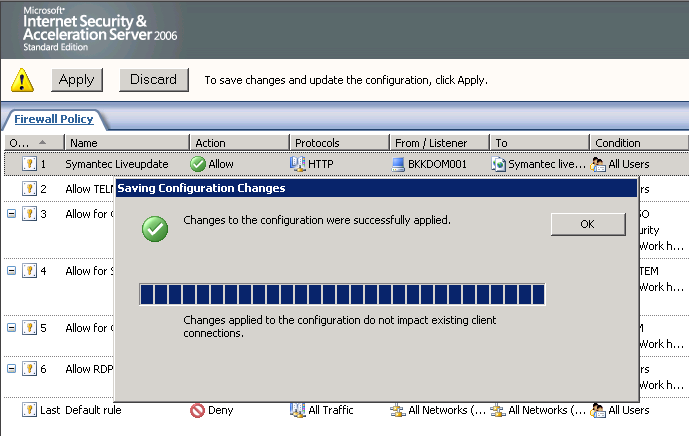
- Open ISA Server Management and click on Firewall Policy.
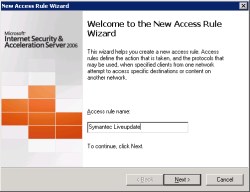
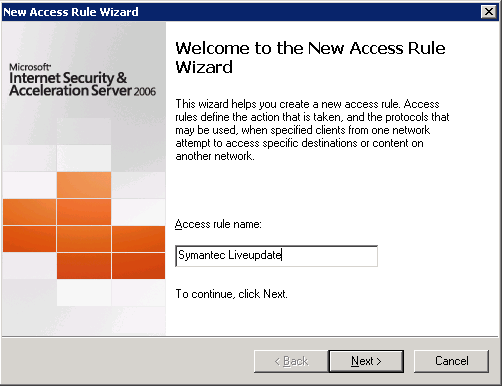
- Create new access rule. On New Access Rule Wizard, name the rule as you want and click Next.
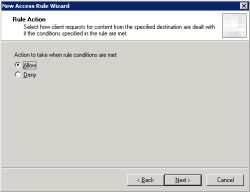
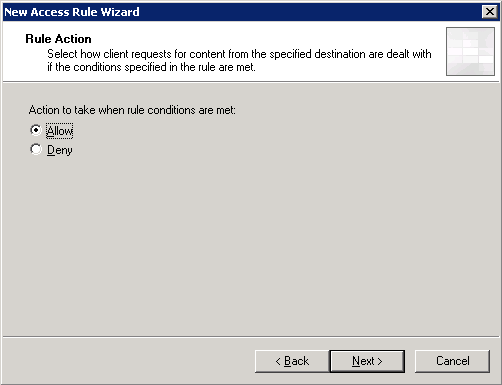
- On Rule Action, select Allow. Click Next.
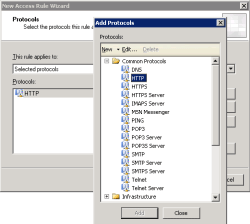
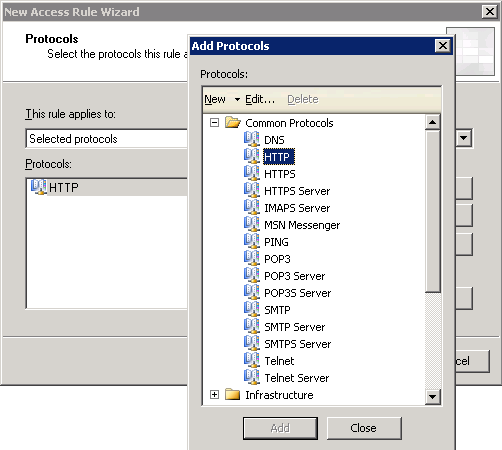
- On Protocols, add HTTP. Symantec AntiVirus uses HTTP protocol to update definitions.
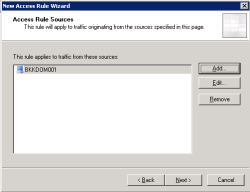
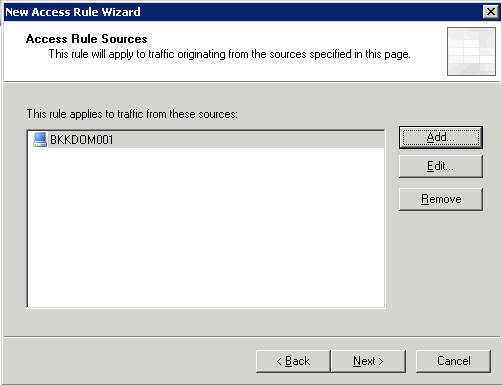
- On Access Rule Source, select the internal server that is going to download definition from internet.
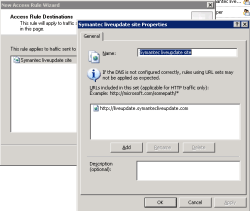
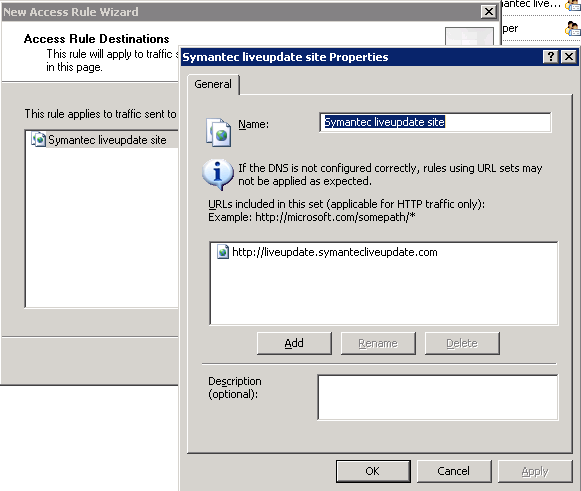
- On Access Rule Destination, create new site object pointing to “http://liveupdate.symantecliveupdate.com” and add to the destination.
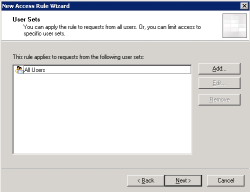
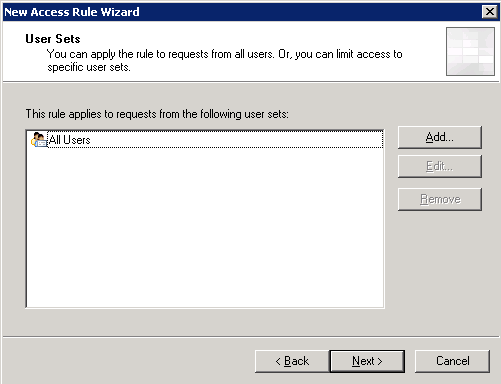
- On User Sets, leave it to All Users.
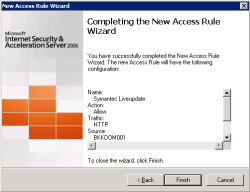
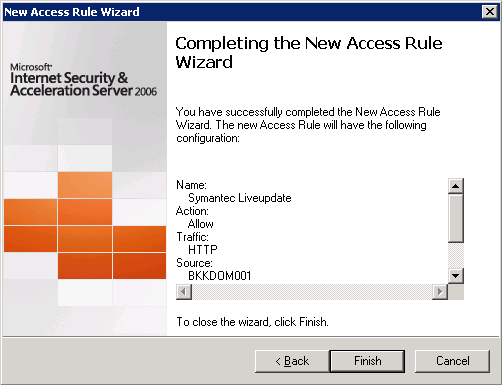
- Click Finish to complete creating rule.
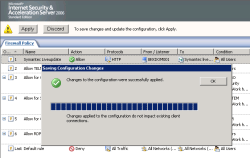
- Apply the configuration on ISA by click on Apply.
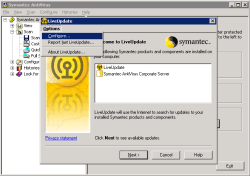
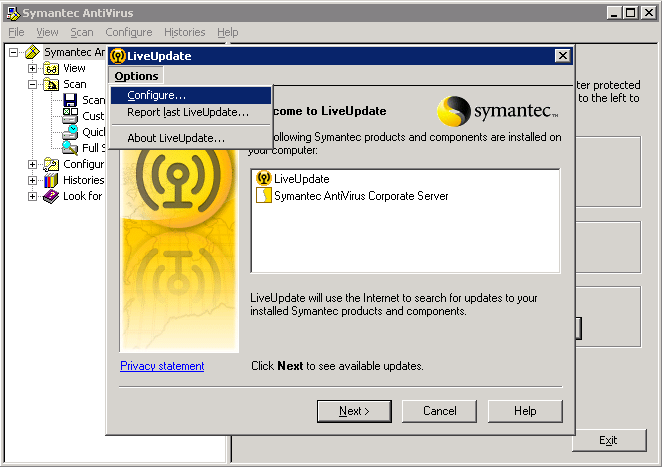
- Next, open Symantec’s liveupdate. Select Configure on Options menu.
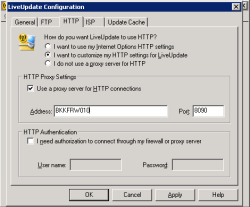
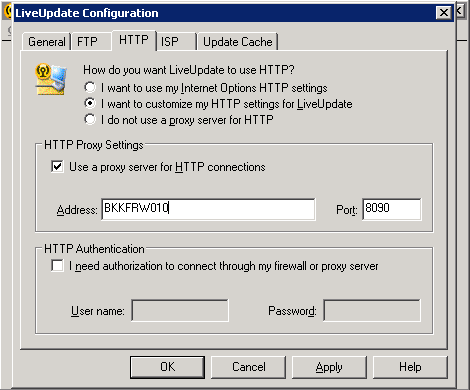
- On LiveUpdate Configuration, click on HTTP tab and set HTTP Proxy Settings to ISA Server name and port.
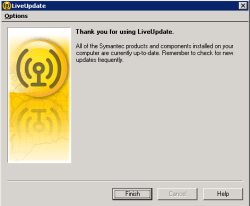
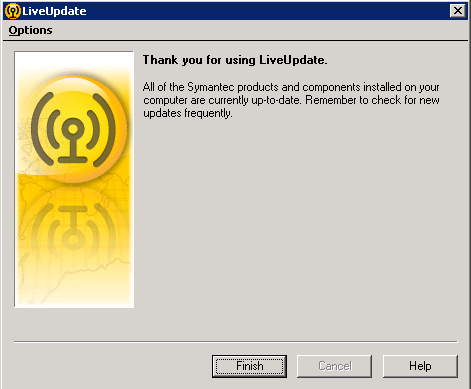
- Test manual update and now you can update definition through ISA server.
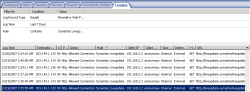
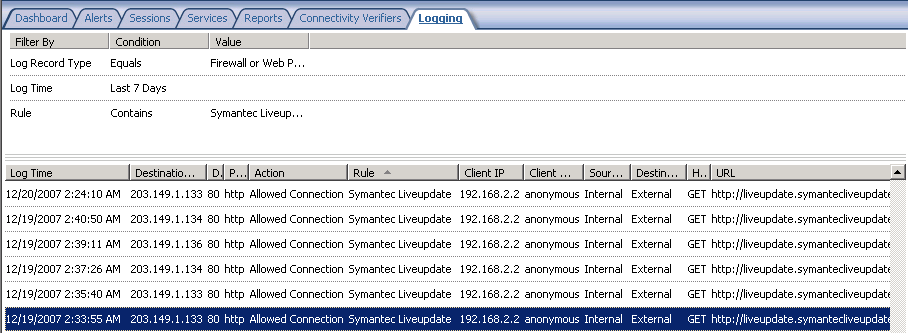
- You can also observe log file on ISA whether ISA allows the update traffic or not.
This post was extremely helpful. Thanks!!!
Above is not my real email, but my comment is.
How do I open ISA Server Management?
ISA Server Management is a console application for managing ISA Server. Normally, it should be installed on server that you installed ISA Server. It can be found on Start menu program on the server.
thanks for this post.im also trying to make rule in ISA for Skype.could u help me pls.
Dear Nipawit Luangaroon,
Hats 4 Genious…take care
Qazzafi,
System/network administrator,
Govt. of Punjab, Pakistan
Excelent, great, thanks, fine.
This is a very helpful guide……Can u please show ..how to allow Mcafee update using ISA 2006
is it possible to do this in bulk? say for 80 people at once?