- Clone Microsoft Windows XP using Sysprep and Norton Ghost, Part 1: Introduction
- Clone Microsoft Windows XP using Sysprep and Norton Ghost, Part 2: Prepare Source for Disk Duplication
- Clone Microsoft Windows XP using Sysprep and Norton Ghost, Part 3: Duplicate Disk with Norton Ghost
- Clone Microsoft Windows XP using Sysprep and Norton Ghost, Part 4: Finalize Cloned Disk
In this post, I’ll show you how to clone a disk to disk using Norton Ghost. From last post, I have run Sysprep tool to prepare the disk for cloning. This is just an example so I’ve attached another disk to this computer and I’m going to clone disk to disk. Then, I’ll get the cloned disk to attach to another PC and run Mini-setup which will be show in the next post.If you’re going to apply this tutorial in a corporate, you should clone the sample computer’s disk to an image file and store it on a file server (or any place on the network). When you want a new computer, you simple restore image file from the file server through network without touching any hardware device.
Requirement
- Norton Ghost software
Step-by-step to duplicate disk with Norton Ghost
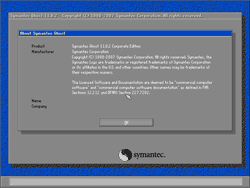
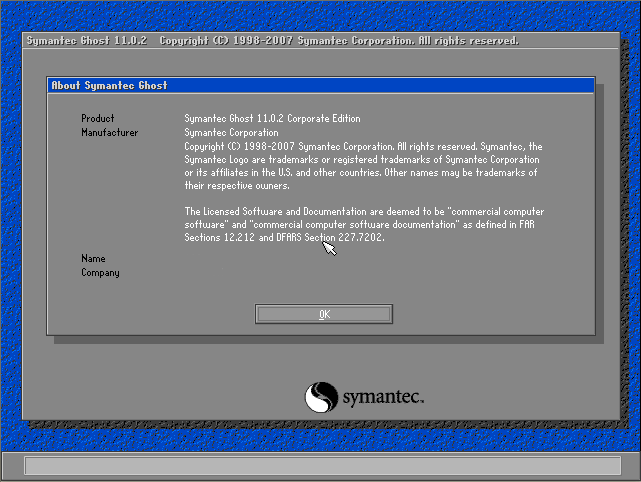
- Booting the PC in DOS and run Norton Ghost. Click OK
Note: You need Norton Ghost since it is a licensed software, I can’t distribute it. If you already have one, you can create an emergency diskette to boot into DOS mode.
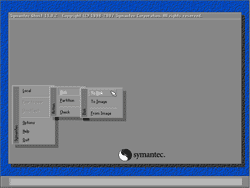
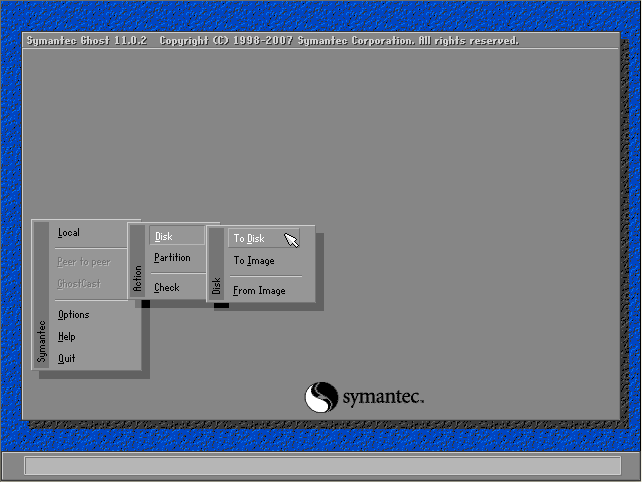
- Perform Disk to Disk operation. Select Local -> Disk -> To Disk.
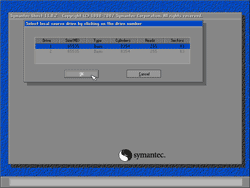
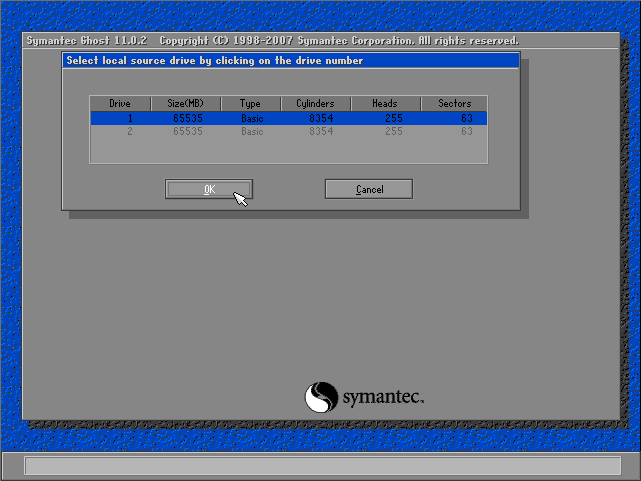
- Select Source Drive. Click OK.
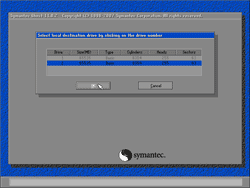
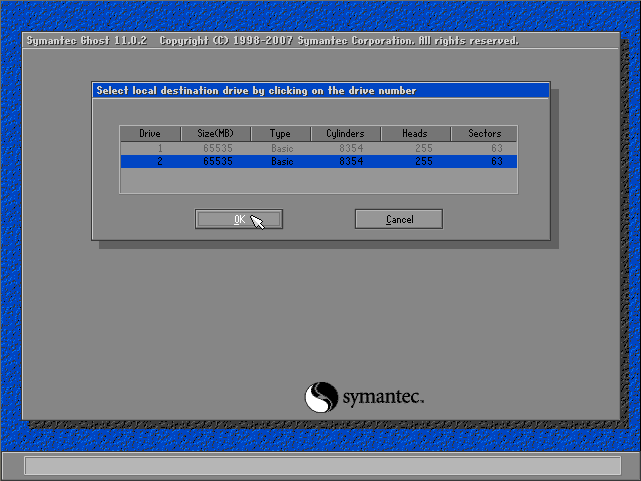
- Select Destination Drive. Click OK.
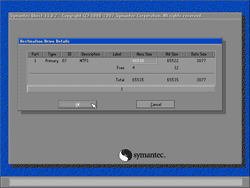
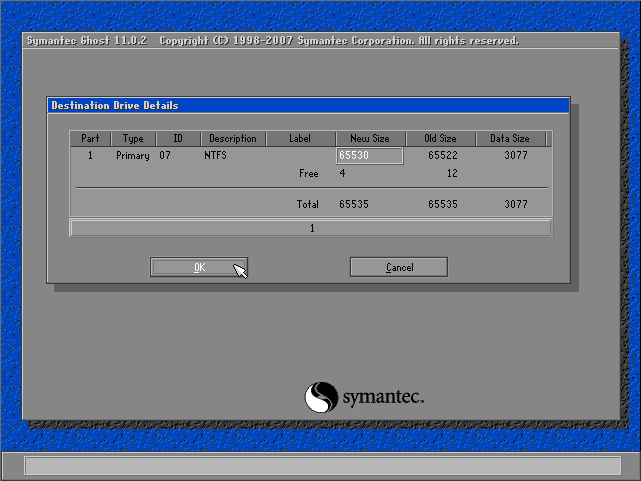
- On Destination Drive Details, click OK.
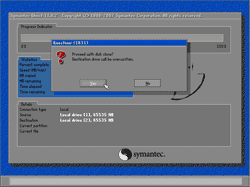
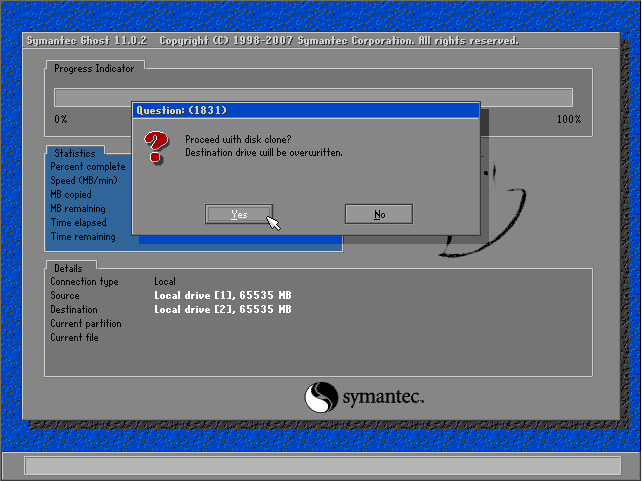
- The message notifies you that data on the destination drive will be overwritten. Click Yes.
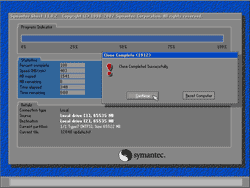
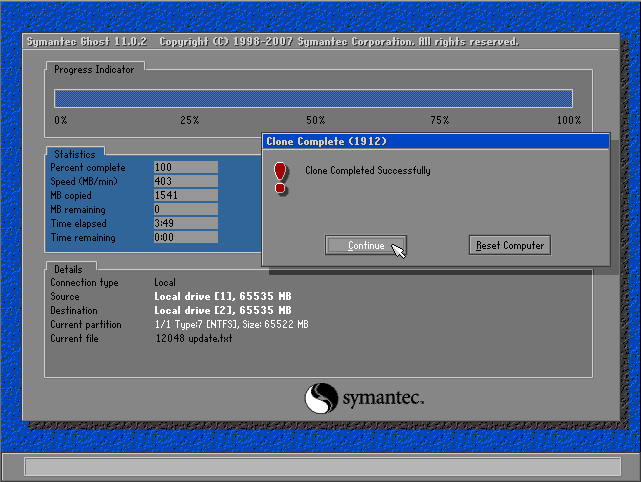
- The clone is finished. Next, I’ll shutdown the PC and detach the cloned disk to attach to another PC and run Mini-setup which I’ll show in the next post.
On your first step here:
Booting the PC in DOS and run Norton Ghost. Click OK.
I do not know how to boot the system into DOS and run Norton Ghost. I have searched the internet and can’t determine how to do it unless you are expecting me to have a boot cd, in which case, it seems like the directions should say that.
Hi, Michael Quinn
I’m assumed that all readers should have Norton Ghost. If you have Norton Ghost, you can create a boot-able diskette which can boot into DOS mode. I’ll update my post. Thanks for the comment.
how to boot norton ghost in DOS mode??
if we use USB drive, it is possible to make USB drive as boot-able diskete
Hi, Wadhi
If you have Norton Ghost, you can create a boot-able diskette which can boot into DOS mode. You can also create a bootable CD or USB and copy ghost.exe to that media.
thanks linglom…how bout windows vista..any idea
Hi, Wadhi
I’ve never tried on Vista yet. But it should works, Norton Ghost duplicates data in a lower level than OS.
i am to using this nortonghost but i am facng problem i have doubt wheter it supports sata or not and whn i want to make a ghsot image of partion i am not able to it says ghosterr.txt could nto open
thxs
Hi, Arun
Have you run ghost in dos-mode? Normally, ghost can see sata drive.
how about cloning for windows vista if you can send the manual to my email address? thanks for the help.
Hi, Taufik
I haven’t done on Vista yet. There is an document on Microsoft’s Technet, see Windows Vista Deployment Step-by-Step Guide
well .. thank you very much.
forward always to your success …
and .. I wait the articles other than your good .. 🙂
I am trying to use your technique, but Ghost 12 doesn’t seem to have a DOS disk to disk. When I boot to the Recovery CD I only have options to recover not backup. I did sysprep then I was forced into a reboot. Then I backed up the source computer using Ghost 12 to a USB drive. Tomorrow, I will try to recover a destination computer using this technique, but I am concerned because I have already had to do the mini-Setup.