You’re configuring BizTalk Server 2006 which BizTalk databases are located on a remotely server. You may encounter the problem below.
On BizTalk Configuration Wizard, Group feature is failed so others that depend on Group will failed, too.
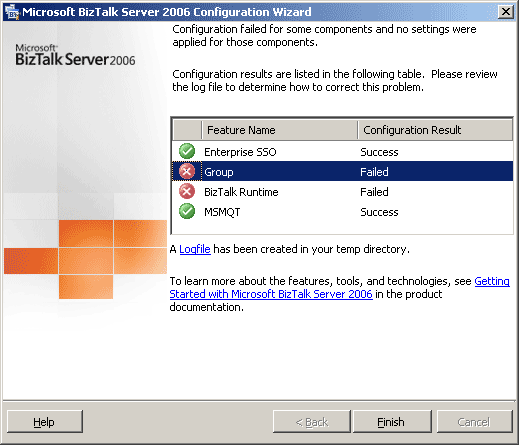
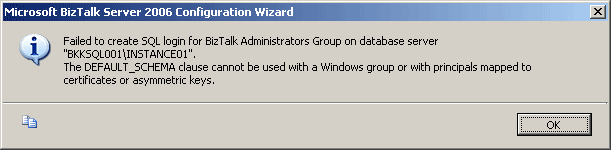
And if you double-click on the red X icon in front of the failed Group feature, you’ll see the error message similar as:
Failed to create SQL login for BizTalk Administrators Group on database server “Database Server Name“.
The DEFAULT_SCHEMA clause cannot be used with a Windows group or with principals mapped to certificates or asymmetric keys.
Solution to solve “Failed to create SQL login for BizTalk Administrators group on database server”
The solution is to create local groups on the database server manually, see the step-by-step below.
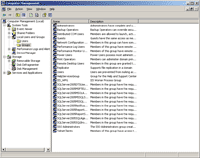
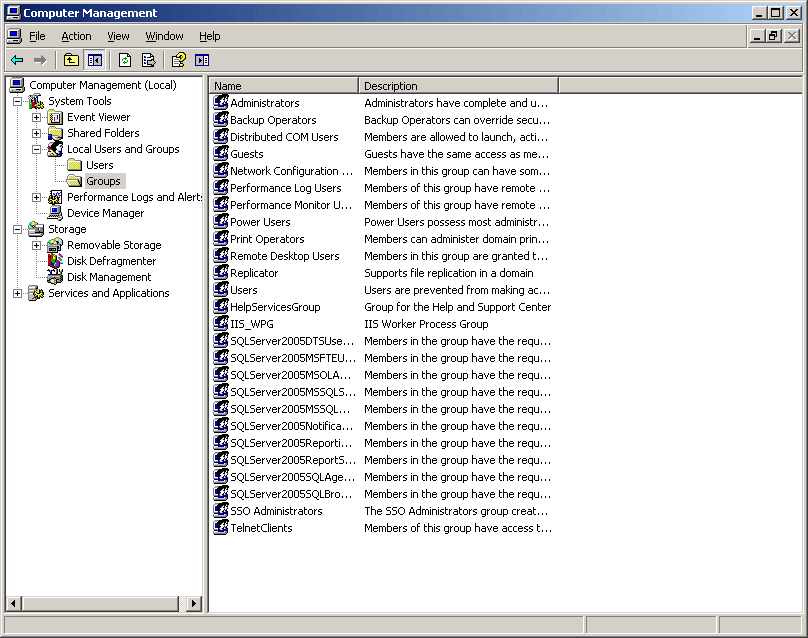
- Open Local Users and Groups on the database server. Right-click on My Computer -> Manage -> expand System Tools -> Local Users and Groups -> select Groups. You’ll see a list of groups on the server as the figure below.
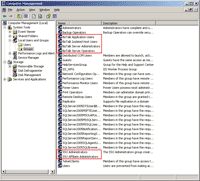
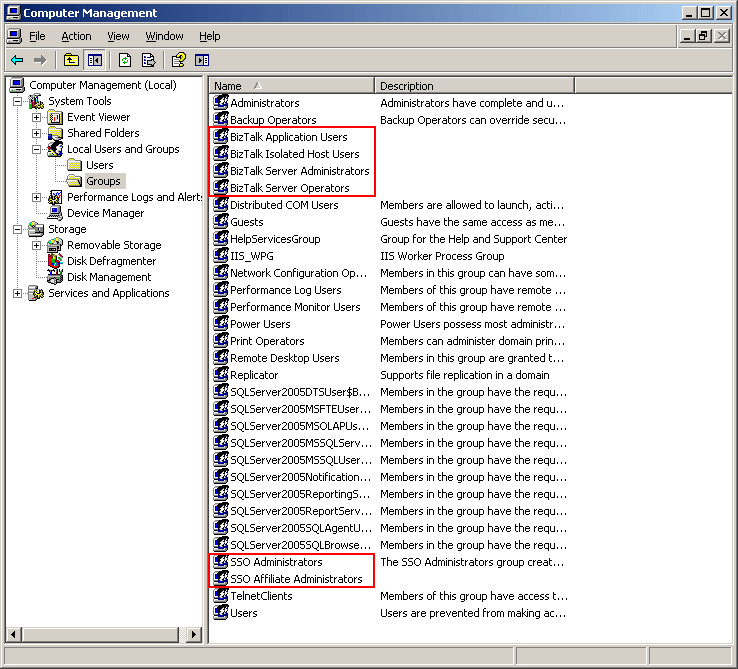
- Create the following groups as figure below. Right-click on Groups -> select New Group -> type the group name.
- BizTalk Application Users
- BizTalk Isolated Host Users
- BizTalk Server Administrators
- BizTalk Server Operators
- SSO Administrators
- SSO Affiliate Administrators
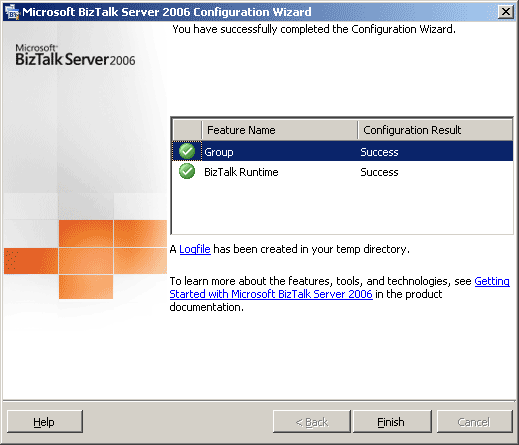
- Re-configure Microsoft BizTalk again and the error is gone.
Nice post. Will visit again. Thanks
Excellent article! We will be linking to this great article on our website.
Keep up the great writing.