- Getting started with Microsoft ISA Server 2006, Part 1: Introduction
- Getting started with Microsoft ISA Server 2006, Part 2: Environment Setup
- Getting started with Microsoft ISA Server 2006, Part 3: Installation
- Getting started with Microsoft ISA Server 2006, Part 4: Service Pack 1
- Getting started with Microsoft ISA Server 2006, Part 5: Network Layout Concept
- Getting started with Microsoft ISA Server 2006, Part 6: Configure Network Layout
- Getting started with Microsoft ISA Server 2006, Part 7: Create DNS Lookup Rule
- Getting started with Microsoft ISA Server 2006, Part 8: Create Web Access Rule
- Getting started with Microsoft ISA Server 2006, Part 9: Client Configuration
- Getting started with Microsoft ISA Server 2006, Part 10: Logging
- Getting started with Microsoft ISA Server 2006, Part 11: HTTP Filtering
- Getting started with Microsoft ISA Server 2006, Part 12: Block Windows Live Messenger
Update Service Pack 1
From Part 3: Installation, I have installed ISA Server 2006 enterprise edition on the server. At this time, there is a service pack for ISA Server 2006 which you can download from Microsoft website. So I am going to show how to update the server to ISA Server 2006 Service Pack 1 on this post.
Note: There are others security updates for ISA Server 2006 available besides the service pack which I will not cover on this series. So you should check and update them on your own.
There are many new features and enhancements on the ISA Server 2006 service pack 1:
New Features
- Configuration Change Tracking. Registers all configuration changes applied to ISA Server to help you assess issues that may occur as a result of these changes.
- Web Publishing Rule Test Button. Tests the consistency of a Web publishing rule between the published server and ISA Server.
- Traffic Simulator. Simulates network traffic in accordance with specified request parameters, such as an internal user and the Web server, providing information about firewall policy rules evaluated for the request.
- Diagnostic Logging Query. Now integrated as a tab into the ISA Server Management console, this feature displays detailed events on packet progress and provides information about handling and rule matching.
Enhancements
- Support for integrated NLB mode in all three modes, including unicast, multicast, and multicast with Internet Group Management Protocol (IGMP). Previously, ISA Server integrated NLB-supported unicast mode only.
- Support for certificates with multiple Subject Alternative Name (SAN) entries in published web servers.
- Kerberos Constrained Delegation (KCD) authentication supports trusted-domain user accounts.
- Improve Web Publishing Load Balancing (WPLB) cookie handling.
- Alert Improvements.
- New performance counter.
For more information about this service pack, see Microsoft Article 943462.
Step-by-step
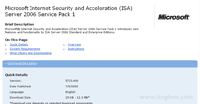
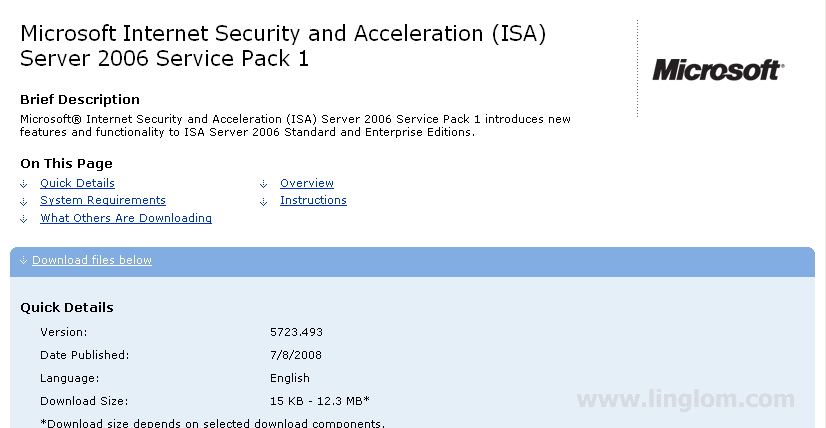
- Download the file from Microsoft Internet Security and Acceleration (ISA) Server 2006 Service Pack 1.
- Double-click the downloaded file, ISA2006-KB943462-X86-ENU.msp, to run the setup wizard.
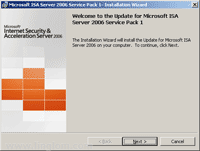
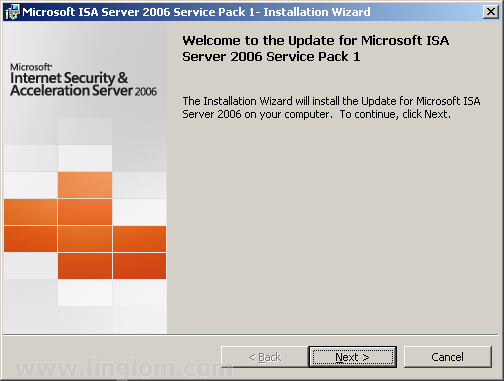
- On Welcome to the Update for Microsoft ISA Server 2006 Service Pack 1, click Next.
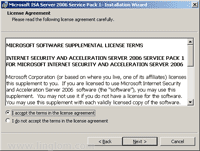
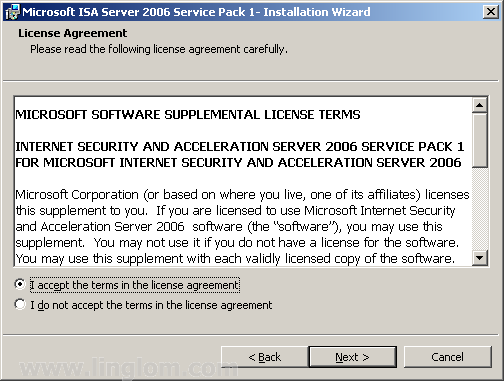
- On License Agreement, select I accept the terms in the license agreement and click Next.
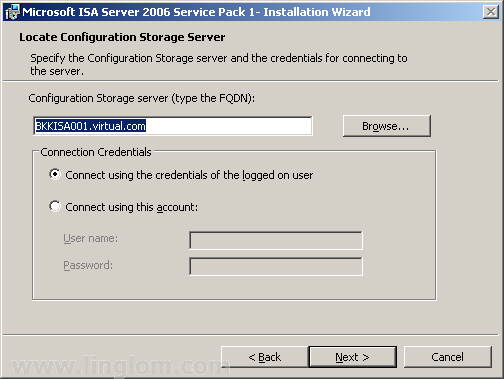
- On Locate Configuration Storage Server, you have to specify the Configuration Storage Server. On this example, I leave it as default and click Next.
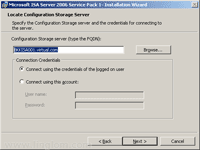
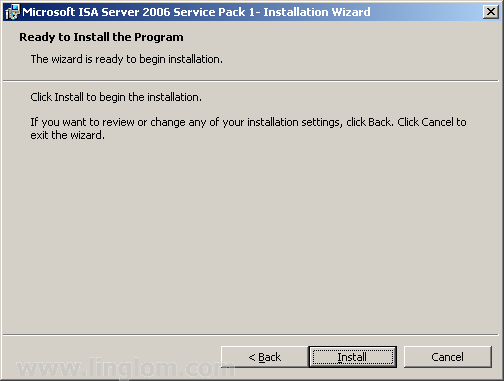
- On Ready to Install the Program, click Install.
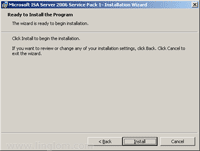
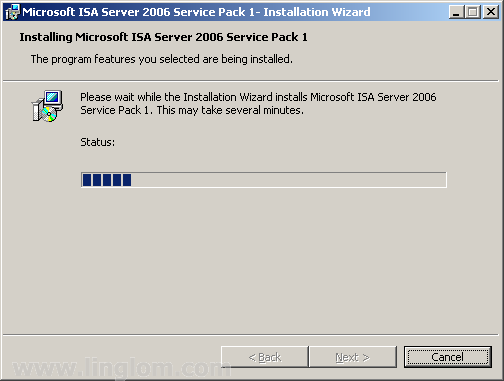
- On Installing Microsoft ISA Server 2006 Service Pack 1, wait until the installation completes.
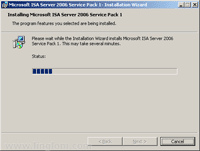
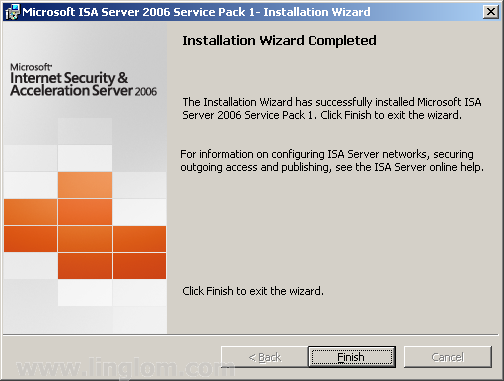
- On Installation Wizard Completed, click Finish.
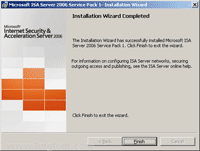
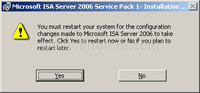
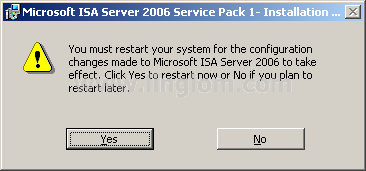
- There is a pop-up message asks you to restart the system for the configuration changes made to ISA Server 2006 to take effect. Click Yes to restart it now.
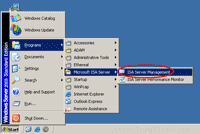
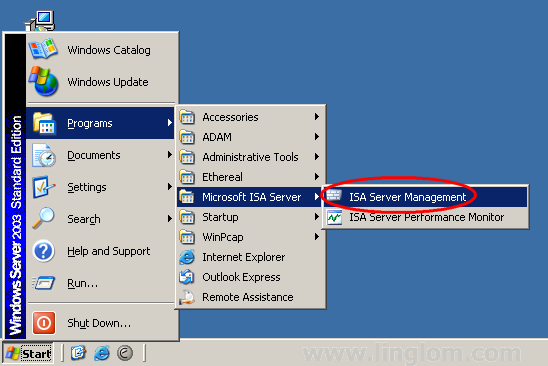
- Once the system is restarted, you can see the version of ISA Server 2006 is updated by open ISA Server Management. Click Start -> Programs -> Microsoft ISA Server -> ISA Server Management.
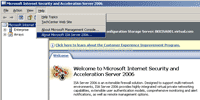
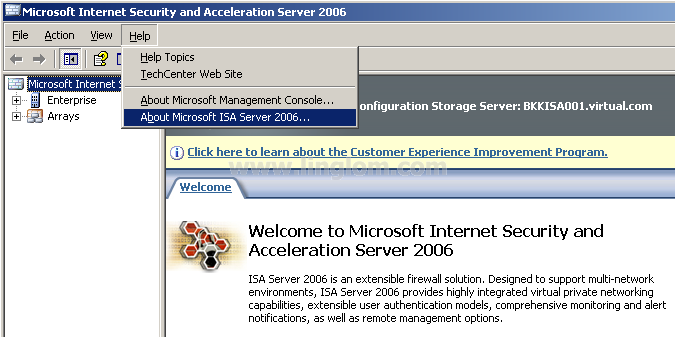
- On ISA Server Management, click Help -> About Microsoft ISA Server 2006.
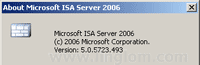
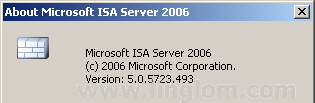
- On About Microsoft ISA Server 2006, you see the current version of ISA Server 2006. The version of ISA Server 2006 Service Pack 1 is 5.0.5723.493.
What’s Next?
Now you have installed and updated ISA Server 2006. Next, I will show how to configure ISA Server 2006.